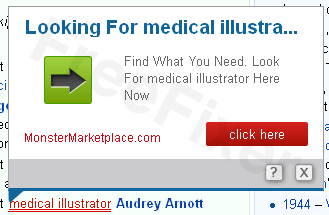
Then you’ve got the “Nav-Links” (nav-links.com & intext.nav-links.com) software installed on your machine. Nav-Links are integrated into many web browser extensions.
Here’s a step-by-step guide on how to remove the Nav-Links.
Find a web page where the Nav-Links are shown.
Disable all web browser extensions and verify that the Nav-Links no longer appear.
Enable the extensions one by one and restart the browser, until you find which extension that contains the Nav-Links. In my case the extension was called weDownload Manager.
Go to the Add/Remove programs dialog, and uninstall the software.
Verify that the Nav-Links are gone.
Please let me and the other readers know which extension opened the Nav-Links on your machine.
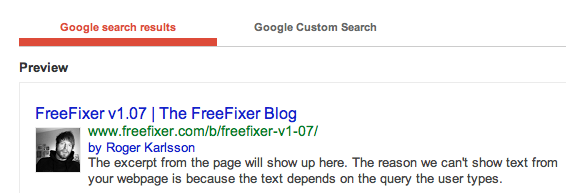
I’ve added the Google Authorship Markup to the blog this morning. I wonder how long it takes before the rich snippets start appearing in the search results.
Here’s a preview of how the search results will look like:
Update October 26, 2013: Yeay, the rich snippets have now started to appear in the search results, at least on the start page of the blog.
I’m currently running some final tests on FreeFixer v1.07, which hopefully will be released later on today.
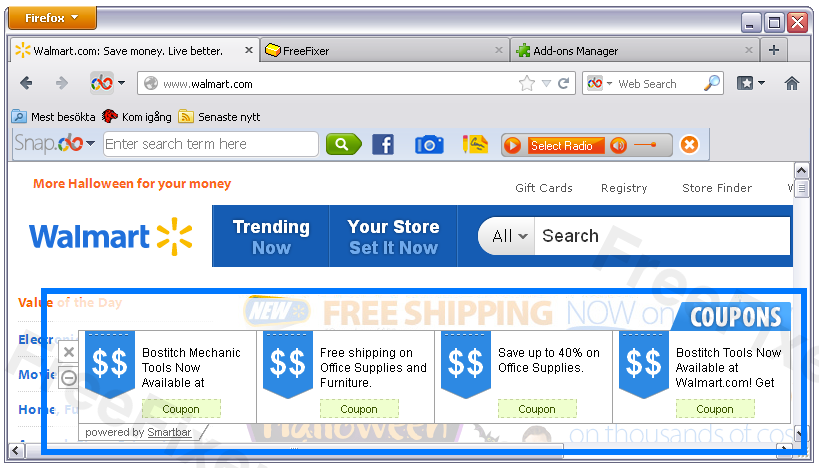
I ran into a Powered by SmartBar coupon ad while browsing sites such as WalMart and BestBuy:
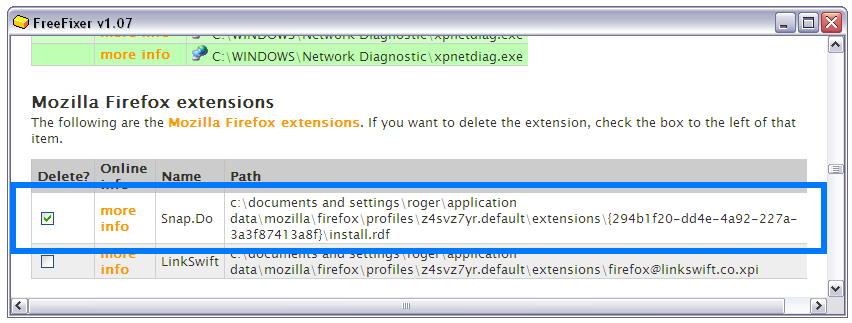
If you see these Smartbar ads on your machine, you can remove them by uninstalling a browser add-on called Snap.Do, either from Firefox’s Add-On dialog, or by selecting the Snap.Do extension for removal in FreeFixer:
During my testing SnapDo/Smartbar did not install into Internet Explorer. Do you get the “Powered by SmartBar” ads in Internet Explorer?
Please let me know if this post helped you remove the Smartbar, or if you need more information.
One last post today. I just tested “Swift Browse”, which is a variant of the WebCake adware. Unfortunately I could not trigger the Swift Browse ads to show themselves, which they usually do when visiting sites such as amazon.com. They will most likely look like the WebCake ads. If you see these ads on your machine, please send me a screenshot and I’ll add it to this blog post.
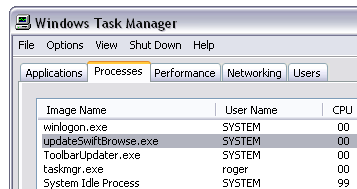
Anyway, if you have Swift Browse installed, you’ll see updateSwiftBrowse.exe in the Windows Task Manager, and swiftbrowsebho.dll installed as a Browser Helper Object in Internet Explorer.
I’ve posted a video at YouTube where I delete Swift Browse with FreeFixer:
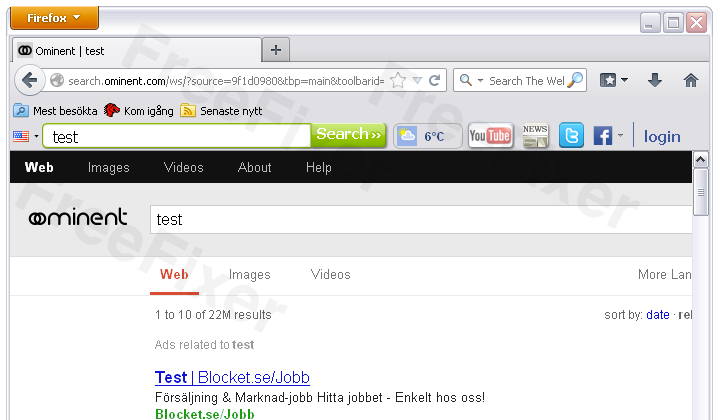
Ran into a new Toolbar called Ominent today. It was installed into Firefox, bundled with a free download. Address bar searches were replaced by http://search.ominent.com.
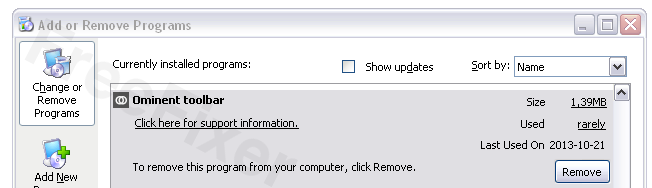
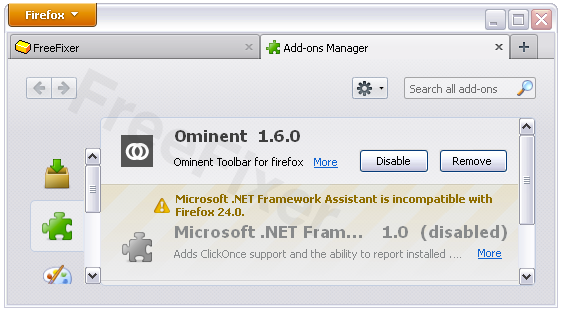
If you came here looking for uninstall instructions, you are in luck: It’s easy. You can uninstall it from the Add/Remove programs dialog and in Firefox’s Add-ons dialog. Check out the screenshots below.
By the way, it surprised me that Ominent Toolbar didn’t appear in Chrome or Internet Explorer. Did you also only get it in Firefox?
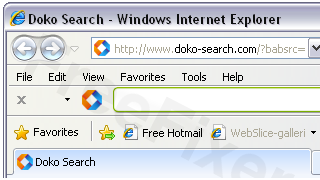
Here’s a demonstration video on how to remove the Doko Toolbar with FreeFixer. Doko Toolbar appears to be a new variant of the Babylon Toolbar. Doko Toolbar was bundled with a free download manager.
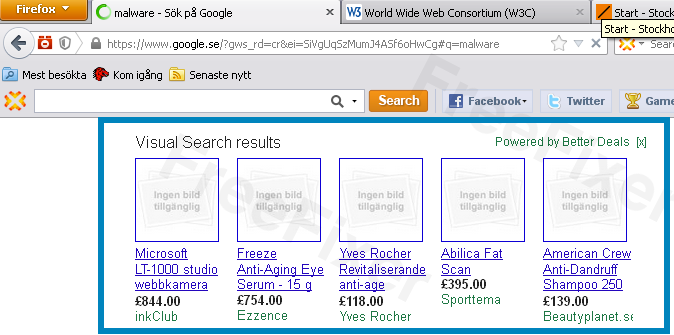
I’m currently running some final tests before releasing FreeFixer v1.07. While testing I found an adware component that inserts “Powered by Better Deals” advertisements in Google’s search results:
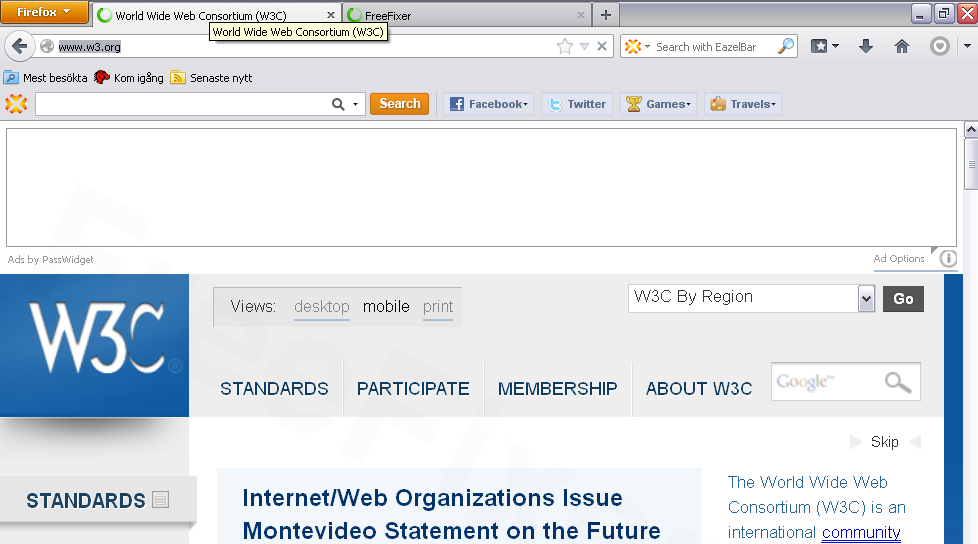
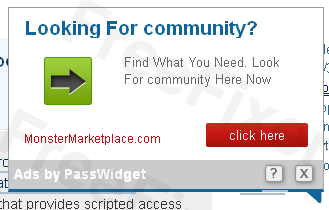
Yesterday I ran into an adware that modifies web pages, by inserting ads labeled “Ads by PassWidget”:
Advertisements labeled “Ads by PassWidget”
PassWidget appears to be a rebranding of the LyricsBuddy adware. I’ve previously posted a video on how to remove the LyricsBuddy with the help of FreeFixer which you may find useful when deleting PassWidget. It’s the same removal procedure, scan, check the PassWidget files, click Fix and your done. Good luck!
Did that solve the problem?
Update October 27, 2013: I just noticed that the Passwidget Ads can appears as links with a mouse-over effect. These are also labeled “Ads by Passwidget”:
Decided to move over to the WordPress platform for the blog. The old blog‘s system required too much work when editing the posts, so this change should allow me to post more frequently.

 Facebook
 Google Plus
 Twitter